qedonamirIT COURSES

BENCH 00 / PRACTICAL IT LEARNING

Learn the system by building the part.

Qedonamir turns technical subjects into sequenced labs, working artifacts and feedback you can inspect. Choose a path that fits your current level, target role and real weekly time.

ConceptUnderstand the boundaryLabBuild the smallest useful partReviewExplain the trade-off
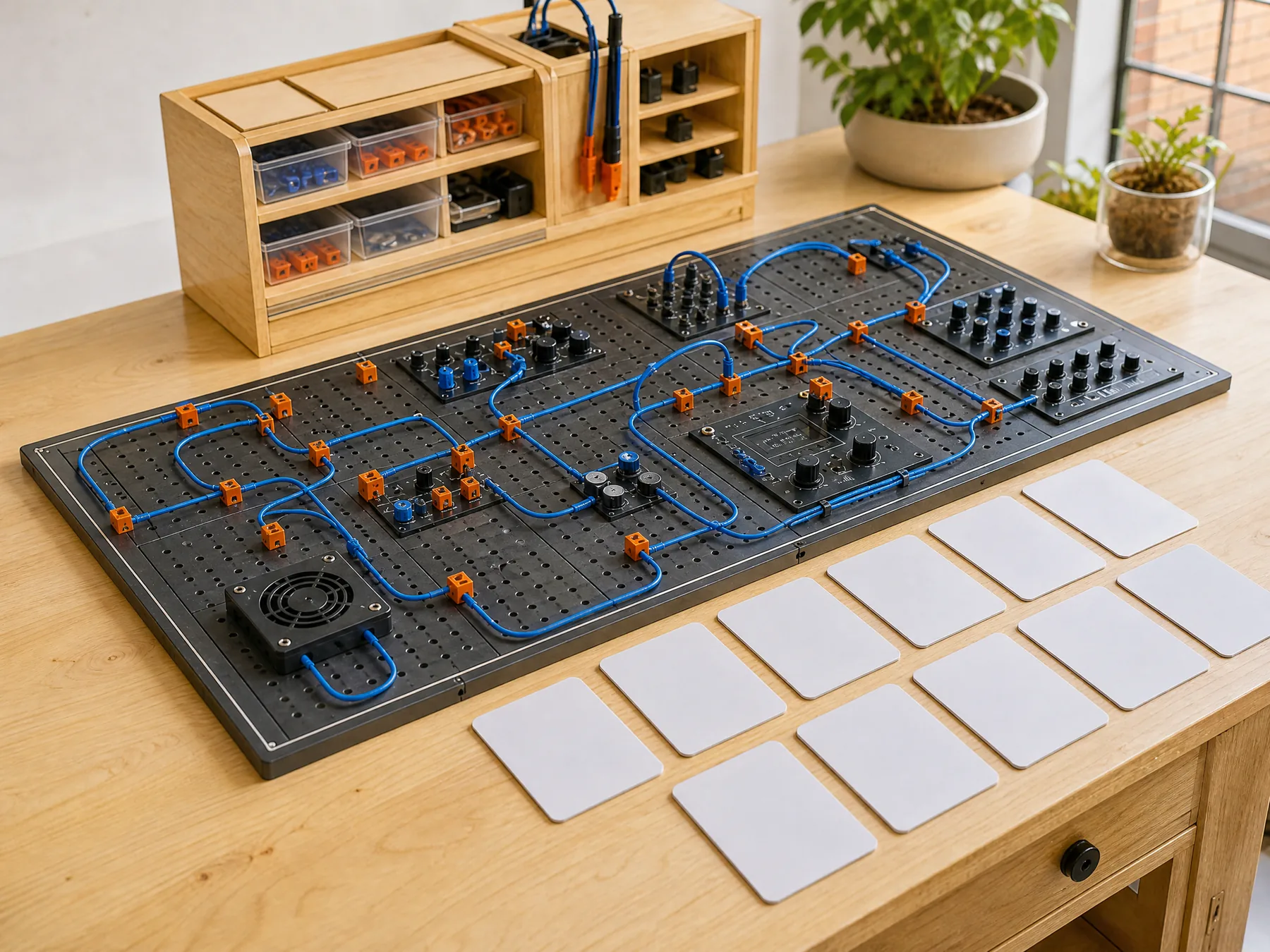
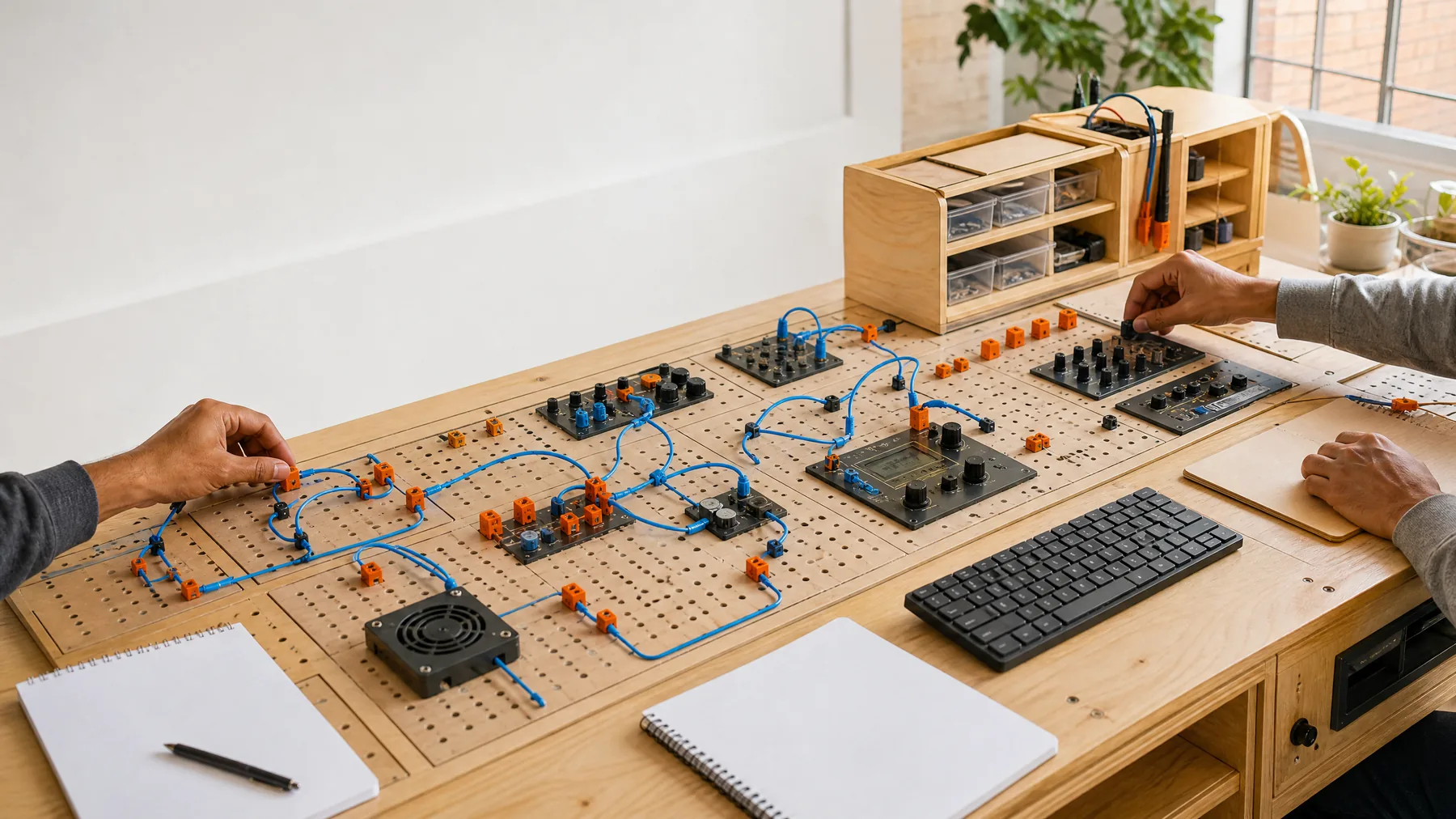
A bright electronics learning bench prepared for practical IT study
WORKING BENCH / MODULES BEFORE CERTIFICATES

SKILL DIAGNOSTIC / FIND THE FIRST USEFUL BENCH

Start where explanation becomes practice.

Choose the statement that best describes your current experience. The diagnostic changes the first lab, not your long-term ceiling.

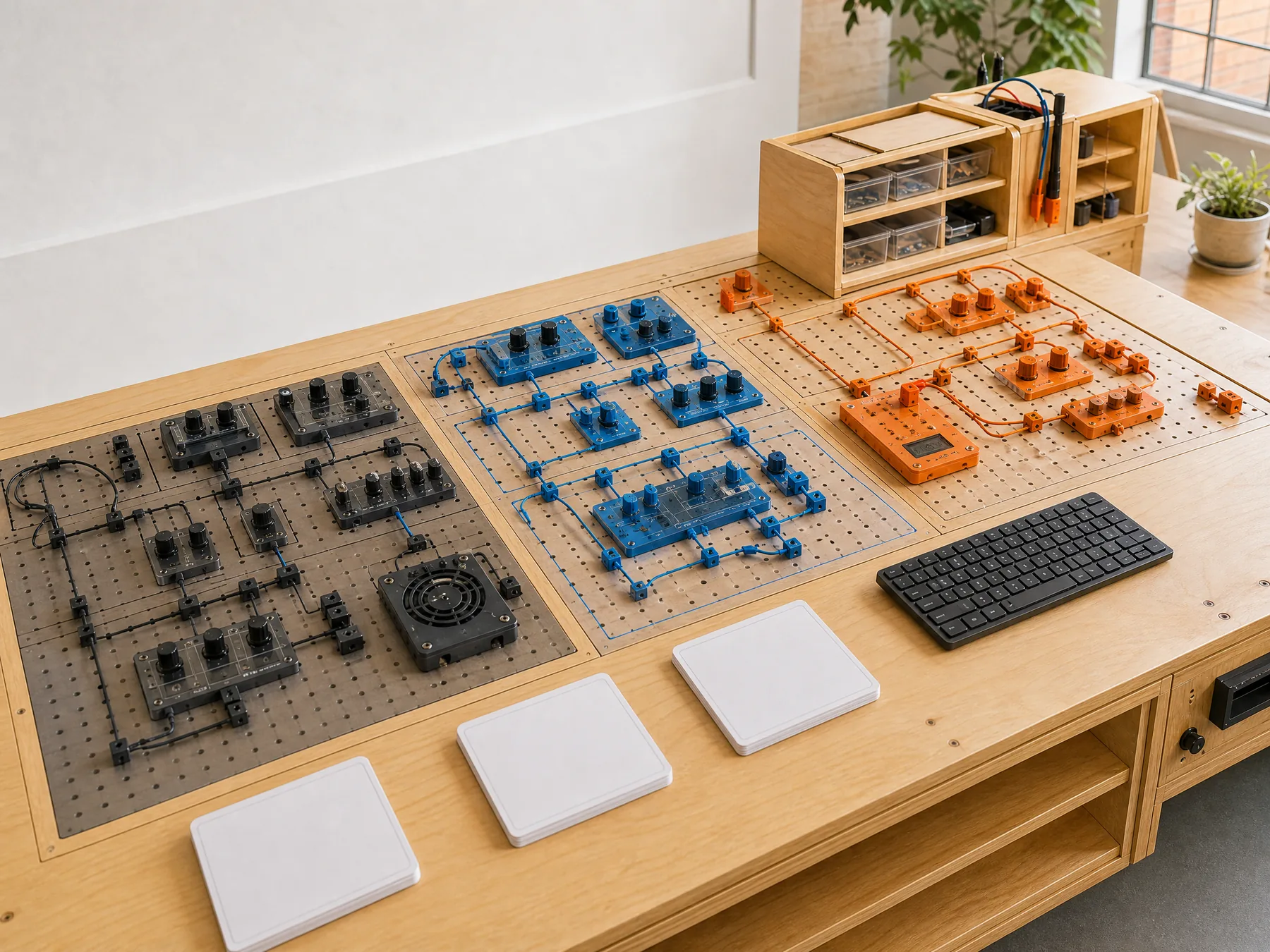
Three physical diagnostic lanes on a learning bench

FIRST BENCH / FOUNDATIONS

Trace a request through a small working system.

Set up the tools, connect interface, service and data boundaries, then explain what changed at each step.

Artifact
A working request path with a short explanation
Feedback
Setup, naming and boundary review
LIVE LAB / PRACTICE WITH A REASON

Every lesson earns its place by changing what you can build or explain.

Labs are structured around visible outcomes. You meet the concept at the moment it becomes necessary, test it in a contained task and review the result in plain language.

CONNECT

Make the boundary visible

See where responsibility moves between interface, service, data and operations.

BREAK

Observe a controlled failure

Learn what the system reveals when a dependency, assumption or input changes.

EXPLAIN

Defend the trade-off

Describe why the chosen approach fits this context—not every possible context.

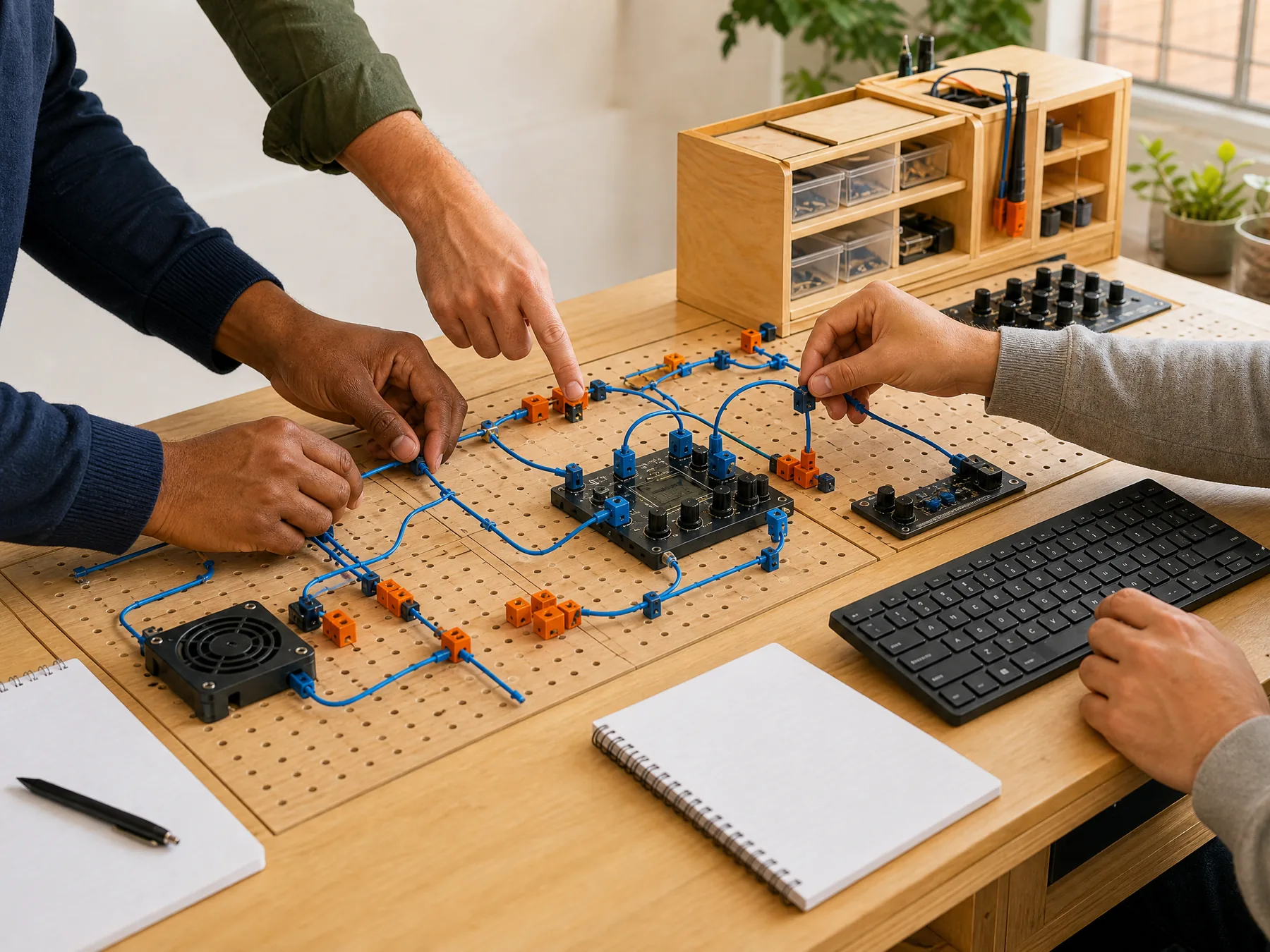
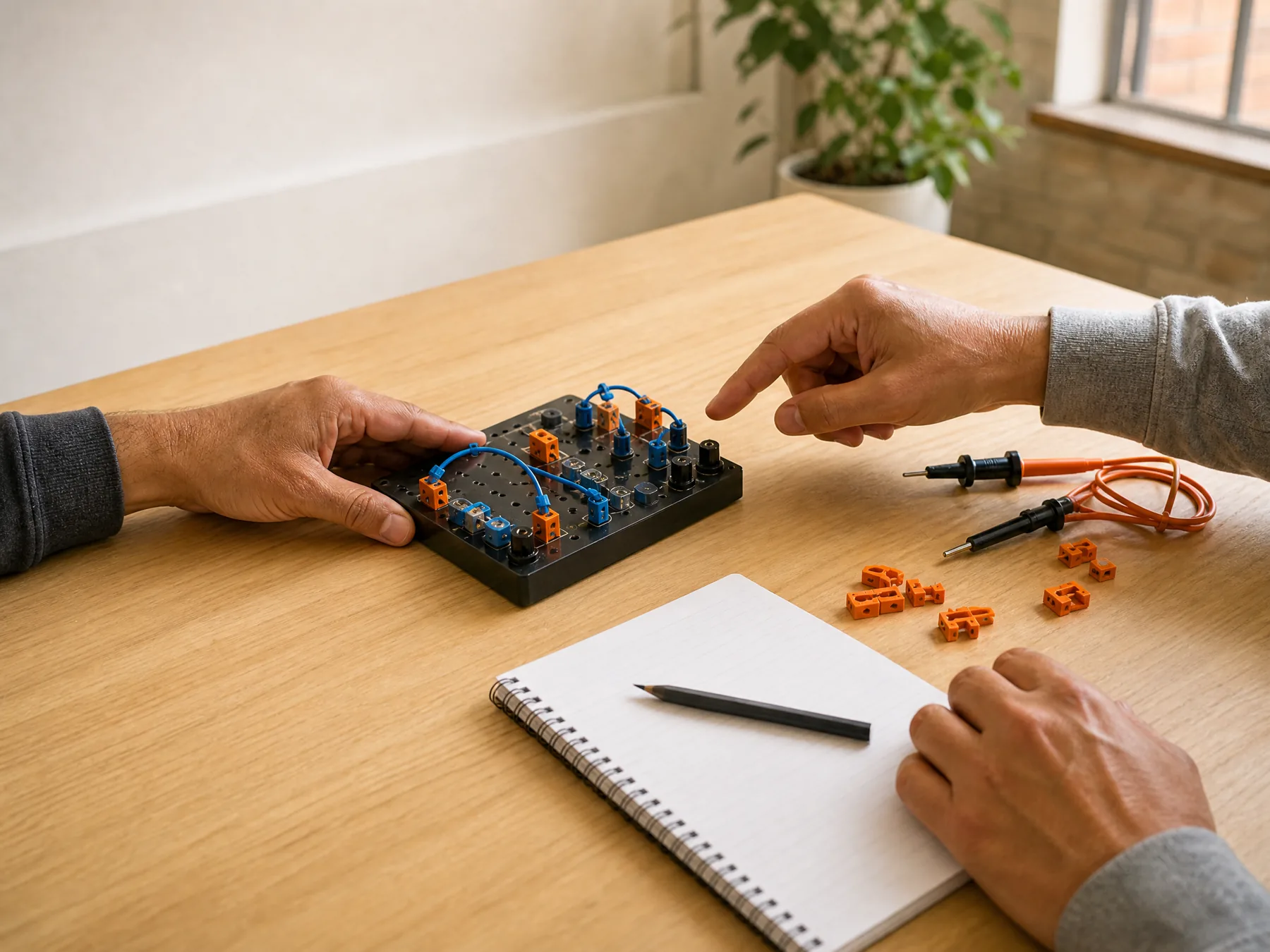
Adult learners connecting modules during a practical IT lab
LAB 03 / EXPLAIN WHAT THE CONNECTION CHANGES

LEARNING PATHBOARD / THREE INPUTS

Assemble a path you can actually sustain.

1. Current level
2. Target role
3. Weekly time
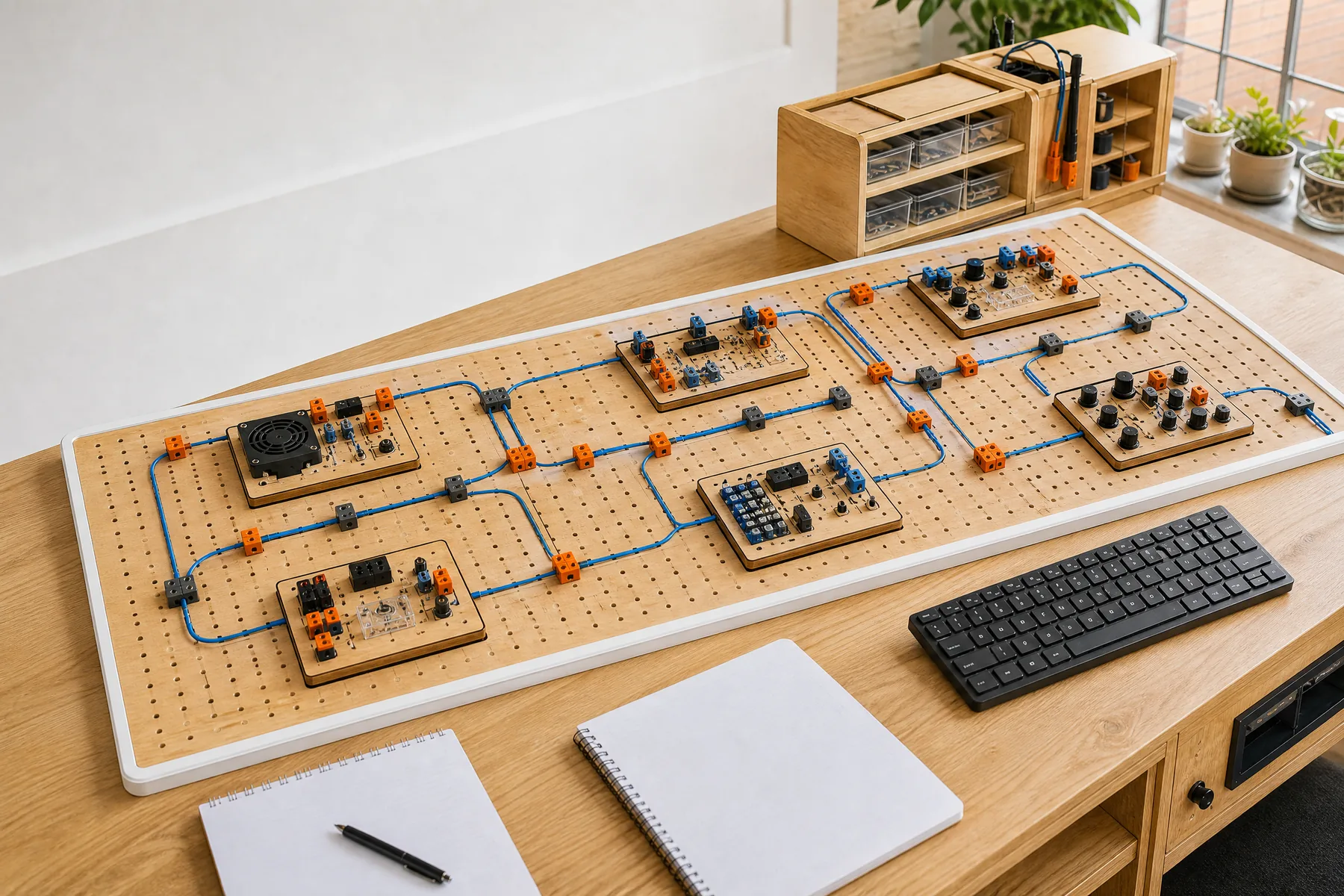
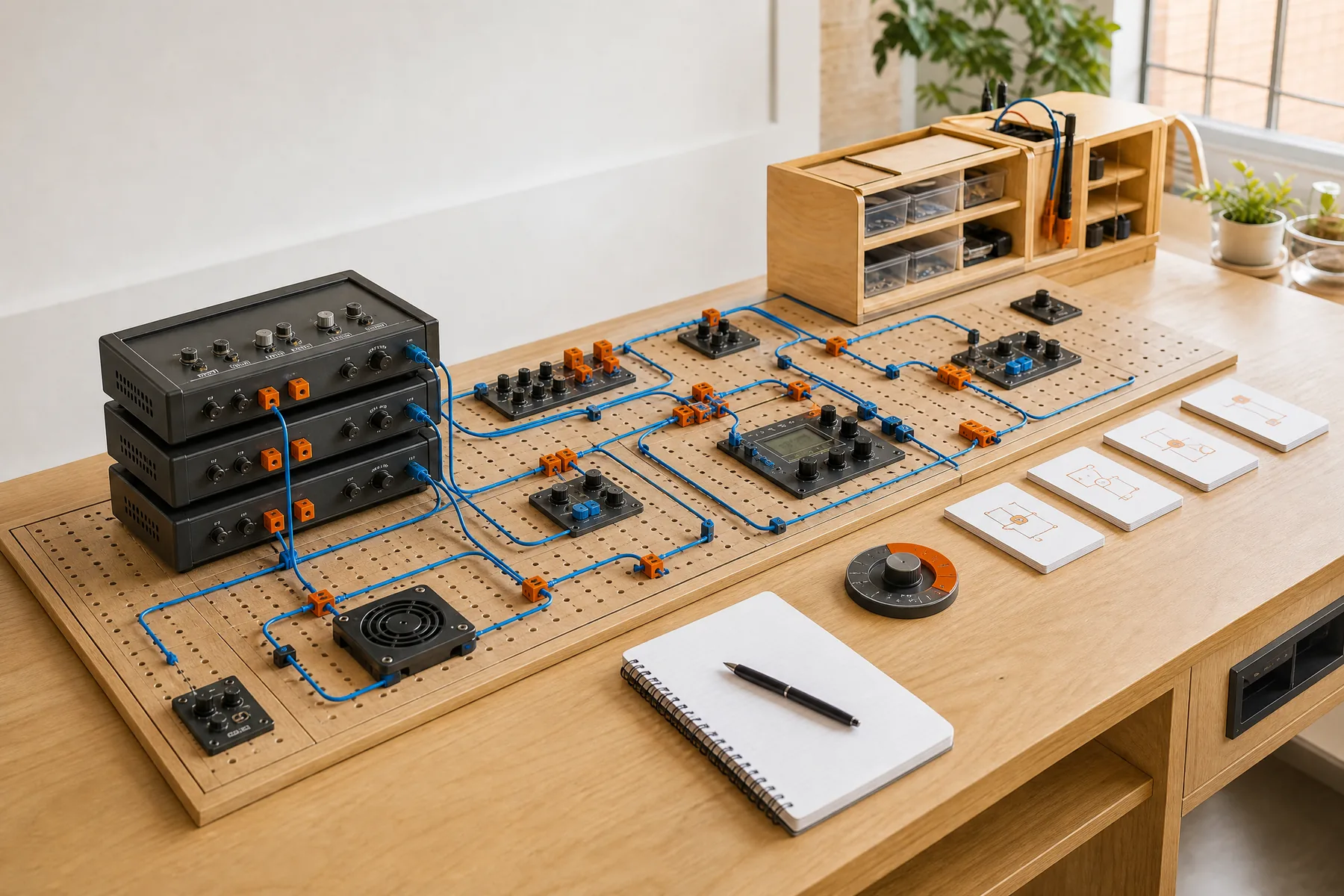
A physical learning path connected by blue traces
PATHBOARD / PREREQUISITES STAY VISIBLE

PATH / FOUNDATIONS → FULL-STACK / STEADY

Build one complete request path, then deepen each boundary.

Begin with tools and web foundations, connect a small interface to a service and data store, then add testing and deployment practice.

  1. Working environment
  2. Interface behaviour
  3. Service contracts
  4. Data changes
  5. Testing and release

Working artifact: A deployed small application with an architecture note

MODULE RACK / BUILD ACROSS THE SYSTEM

Choose a depth; keep the connections.

Modules can stand alone when prerequisites are met, but each one shows where it connects to the wider system.

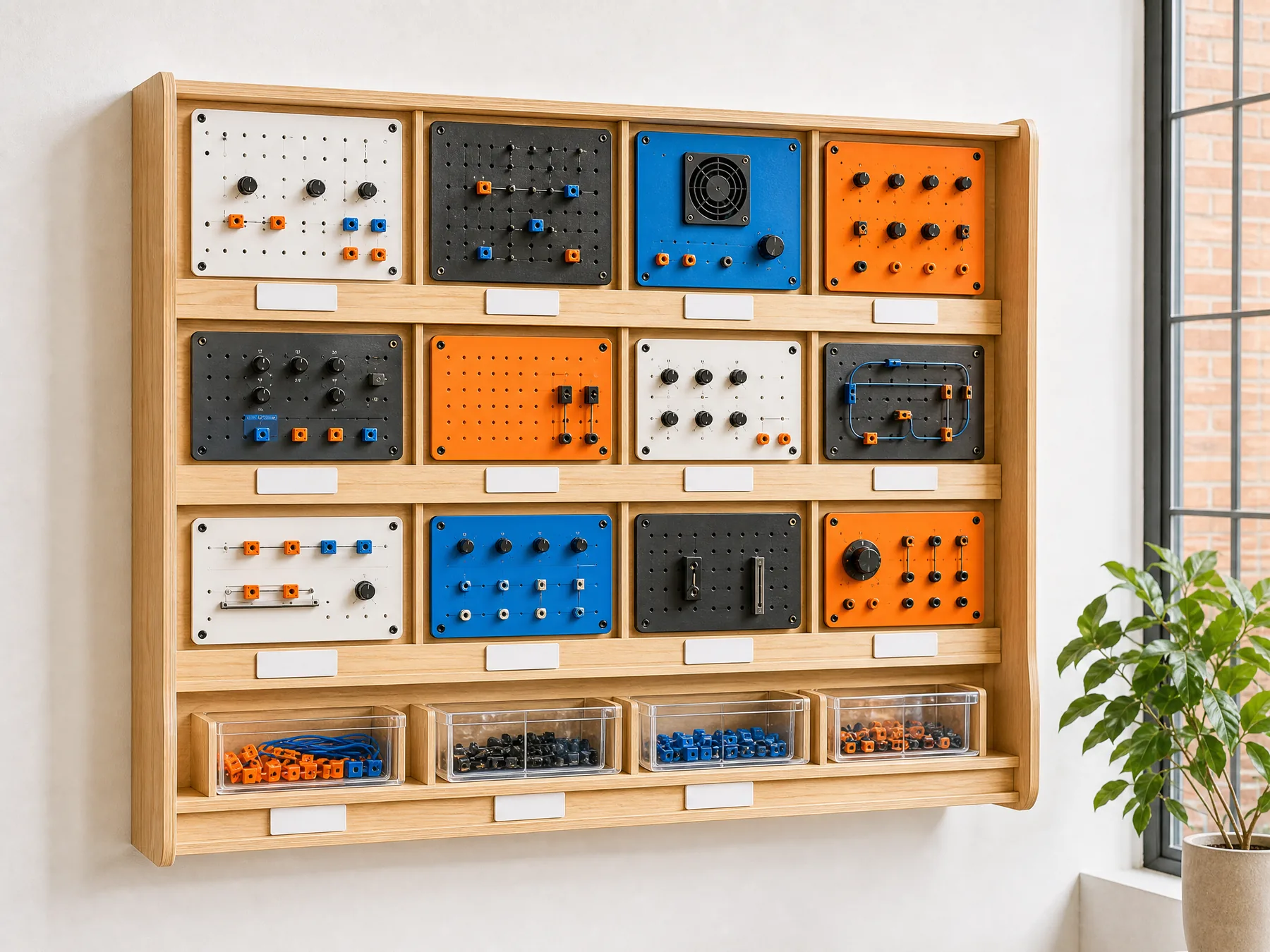
A rack of interchangeable practical IT course modules
Physical interface learning moduleMODULE / INTERFACE

Web interfaces that explain their state

Structure, accessibility, responsive behaviour, forms, asynchronous state and browser debugging.

ARTIFACT / A TESTED INTERACTIVE FLOW
Physical service contract learning moduleMODULE / SERVICES

Service boundaries and explicit contracts

Requests, validation, error design, authentication concepts, persistence and integration boundaries.

ARTIFACT / A DOCUMENTED SERVICE SLICE
Physical operations learning moduleMODULE / OPERATIONS

Release, observe and recover

Environments, delivery pipelines, logs, health checks, failure modes and responsible handoff.

ARTIFACT / A RELEASE AND RECOVERY RUNBOOK
Learner and tutor reviewing a completed technical module
REVIEW / THE ARTIFACT SPEAKS FIRST

FEEDBACK LOOP / INSPECT THE WORK

Feedback is attached to a decision you made.

Review focuses on observable behaviour, boundaries, naming, tests and explanation. The goal is not to imitate an instructor’s exact solution; it is to make your reasoning more reliable.

  1. ShowDemonstrate the artifact and the intended behaviour.
  2. TraceFollow one path through the system and name the boundaries.
  3. ReviseChoose the smallest change that improves clarity or reliability.

HELP DESK / COURSE QUESTIONS

Check the practical details before you enrol.

Do I need previous programming experience?

Some paths assume none; others list explicit prerequisites. The diagnostic and Pathboard make the starting point visible.

Are the courses self-paced?

The exact format is stated for each agreed learning plan. A sustainable weekly cadence matters more than rushing through material.

Will I receive a job guarantee?

No. Qedonamir provides structured learning and feedback, not a guarantee of employment or a specific career outcome.

Which tools will I use?

Tools depend on the path. The course explains why a tool is used and keeps core concepts separate from one vendor.

What should I include in an enrolment enquiry?

Share your current experience, target role, weekly time and one kind of artifact you want to be able to build.

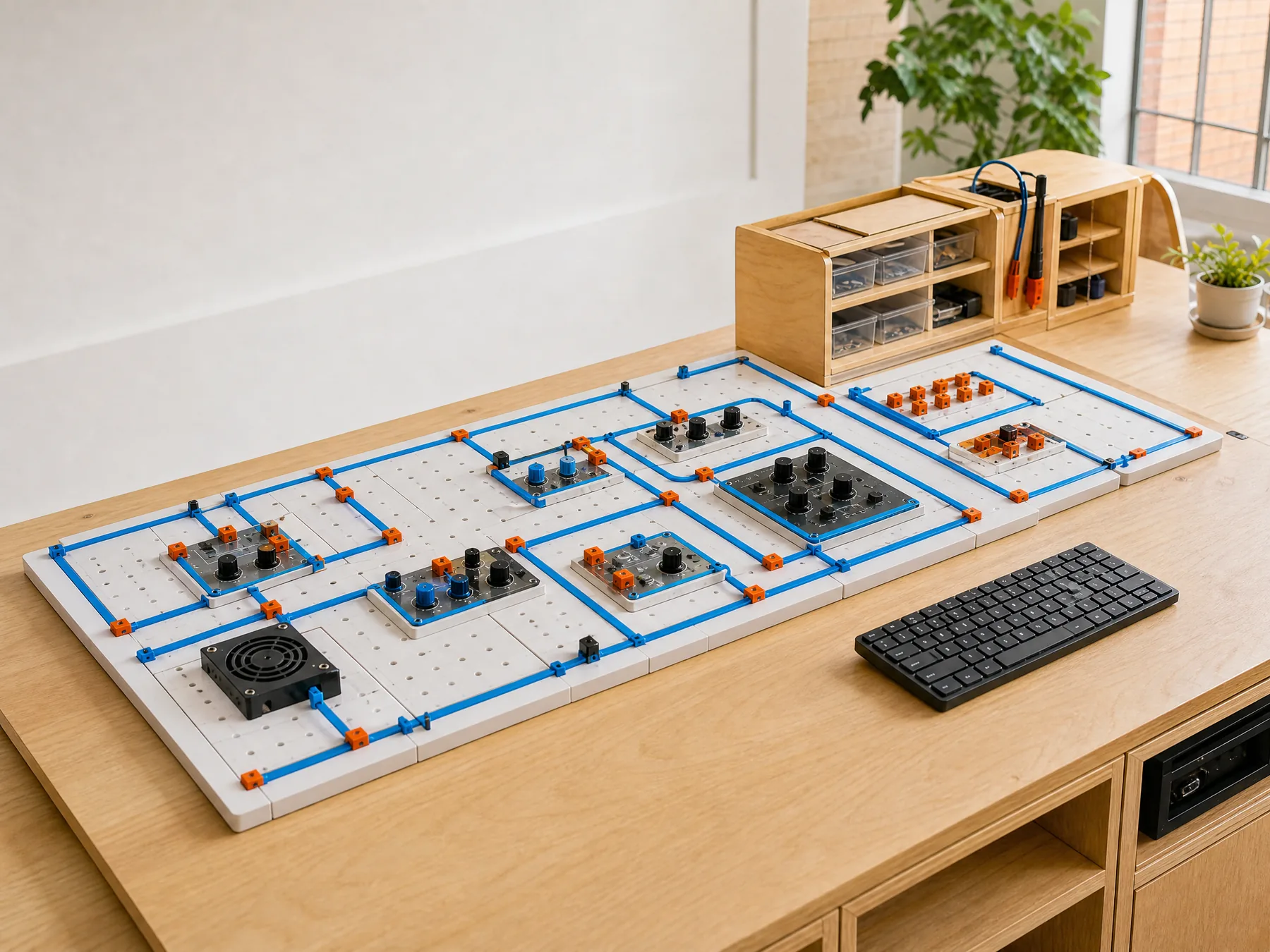
A practical course map prepared on a learning desk

ENROLMENT BENCH / CONTACT

Tell us what you can do now and what you want to build next.

[email protected]

LEARNER BRIEF / NO OBLIGATION